 Get Talon Defender
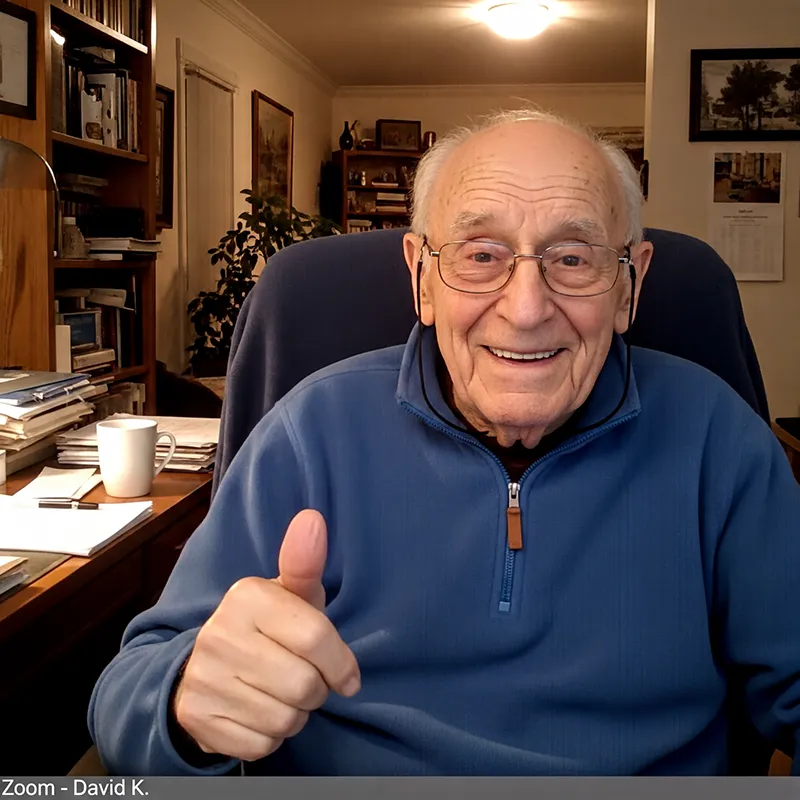
I'm not what you'd call a computer person, but Talon Defender was so simple to set up. It's a relief to finally read my morning news without a dozen windows popping up in my face.
Talon Defender removes the clutter and the danger from every website.
Removes ads and pop-ups the moment you install.
No account. No setup. Uninstall anytime.
I'm not what you'd call a computer person, but Talon Defender was so simple to set up. It's a relief to finally read my morning news without a dozen windows popping up in my face.
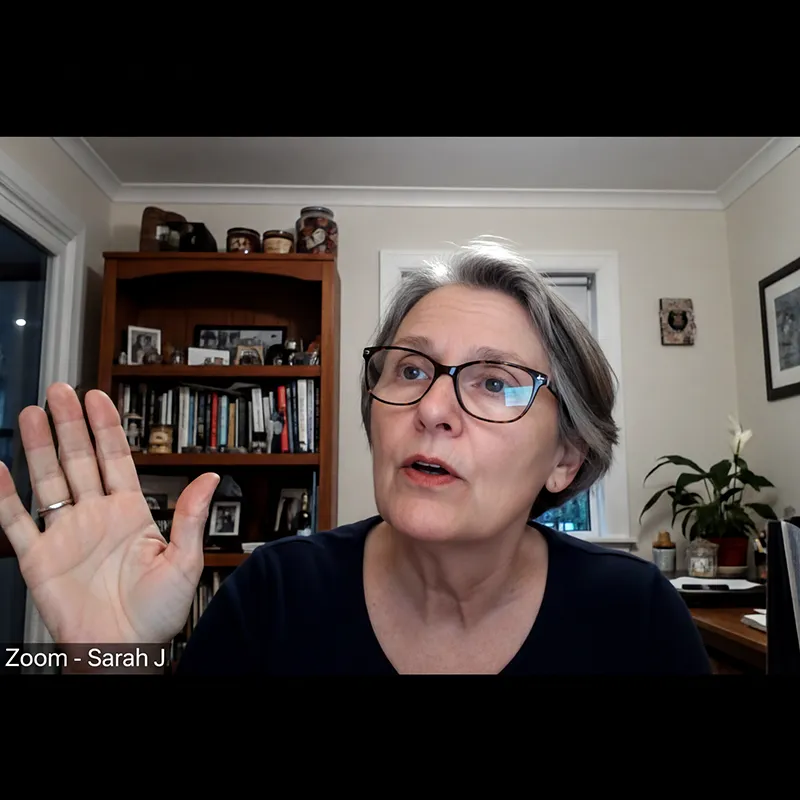
I was worried about privacy, but the support team actually hopped on a Zoom call to walk me through it. You just don't get that kind of personal service with other apps these days.
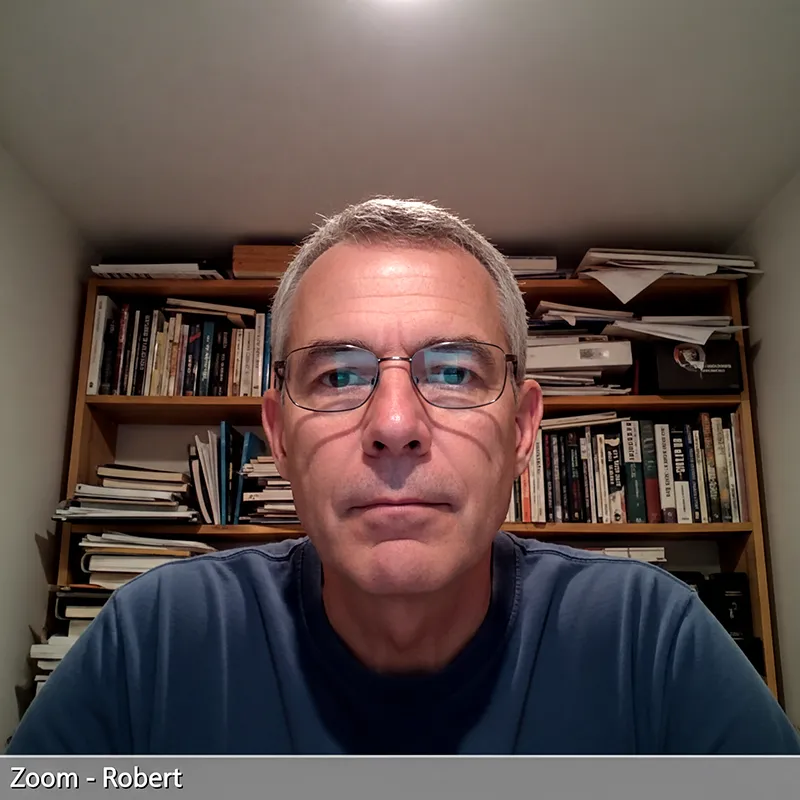
It works exactly as advertised. It stays quiet in the background and does its job. My computer even feels a bit faster now that it is not loading all those flashy advertisements.
Modern ads are built to follow you, retarget you, and slow you down. Talon Defender blocks the noisy layers first.
Stops websites from following what you do as you browse.
Removes banners, pop-ups, and ads that interrupt your screen.
Hides screens that block the page and demand clicks before you can continue.
Helps keep fake, scam, and harmful sites from opening.
Many websites are filled with ads, pop-ups, and distractions. With Talon Defender, pages stay clean and easy to read.
Without protection
Ads and pop-ups interrupt the page.
With Talon Defender
Pages stay clean and easy to read.
Runs quietly on your computer. Nothing is shared.
Talon Defender starts working as soon as it is installed. No setup required.
Ads and pop-ups are removed so pages stay clean and easy to read.
Protection improves over time to keep up with new online annoyances.
No setup. Turn it on once and keep browsing normally.
Click the install button to open Talon Defender in the Chrome Web Store.
Confirm once and Talon Defender turns on automatically.
Browse normally. Protection stays on quietly in the background.
Talon Defender works quietly in the background. There are no settings to adjust and nothing you need to manage.
Learn more about how Talon Defender worksInstall Talon Defender and enjoy a quieter, safer internet without changing how you browse.